

Most small apparel businesses start out printing one design at a time. It feels logical, even safe. But that single-image approach quietly eats into your margins with every job you run. Gang sheets flip that model entirely, letting you pack multiple designs onto one sheet and print them all at once. This guide breaks down exactly what a gang sheet is, how it compares to single-image printing, and how you can use it to cut costs, reduce waste, and speed up your entire production workflow.
Table of Contents
- Gang sheets explained: The basics and how they work
- Single-image vs gang sheet: What’s the real difference?
- When and why should you use a gang sheet?
- DTF vs. screen printing: How gang sheets fit each process
- Designing and optimizing your gang sheet for maximum savings
- Start printing smarter with Transfer Kingz
- Frequently asked questions
Key Takeaways
| Point | Details |
|---|---|
| Gang sheets enhance efficiency | Combining multiple designs on one sheet streamlines printing and reduces costs. |
| Optimized layout saves money | Carefully planning your gang sheet layout prevents waste and maximizes material use. |
| Best fit for short, varied runs | Gang sheets are ideal for small businesses running multiple sizes or unique designs per order. |
| DTF preferred for complex jobs | Direct-to-film printing handles detailed and color-rich gang sheets better than screen printing. |
Gang sheets explained: The basics and how they work
A gang sheet is a large print sheet that holds multiple designs or images arranged together to maximize the usable printing area. Instead of printing each graphic on its own sheet, you combine them into one layout and run the whole thing through your printer in a single pass. The result is less wasted material, lower cost per print, and faster turnaround.
Here is a simple example. Say you need 10 different logos for 10 custom shirts. Instead of printing each logo separately, you place all 10 onto one gang sheet, print once, then cut each design out individually. You just turned 10 print jobs into one.
Gang sheets are used in both DTF (direct-to-film) and screen printing workflows. As covered in our DTF gang sheet guide, the approach works especially well for small runs, multi-SKU orders, and custom apparel jobs where variety is the norm.
Key reasons small shops use gang sheets:
- Reduce material waste by filling every inch of the sheet
- Lower cost per design since you split one print job across many graphics
- Speed up production by cutting setup time for individual prints
- Handle variety across sizes, colors, and styles in one run
- Scale small batches without paying single-print prices
For multi-color and rush orders, gang sheets offer flexibility that single-image printing simply cannot match.
Pro Tip: When you first build a gang sheet, group designs by similar size to make cutting faster and cleaner after printing.
Single-image vs gang sheet: What’s the real difference?
With the basics covered, it’s helpful to see a direct comparison. Here’s how gang sheets stack up against single-image prints.
Single-image printing works best when you have one design and need a large volume of identical prints. Think 500 shirts with the same front logo. Setup is straightforward, and the process is efficient for that specific scenario. But the moment you introduce variety, single-image printing becomes expensive and slow.
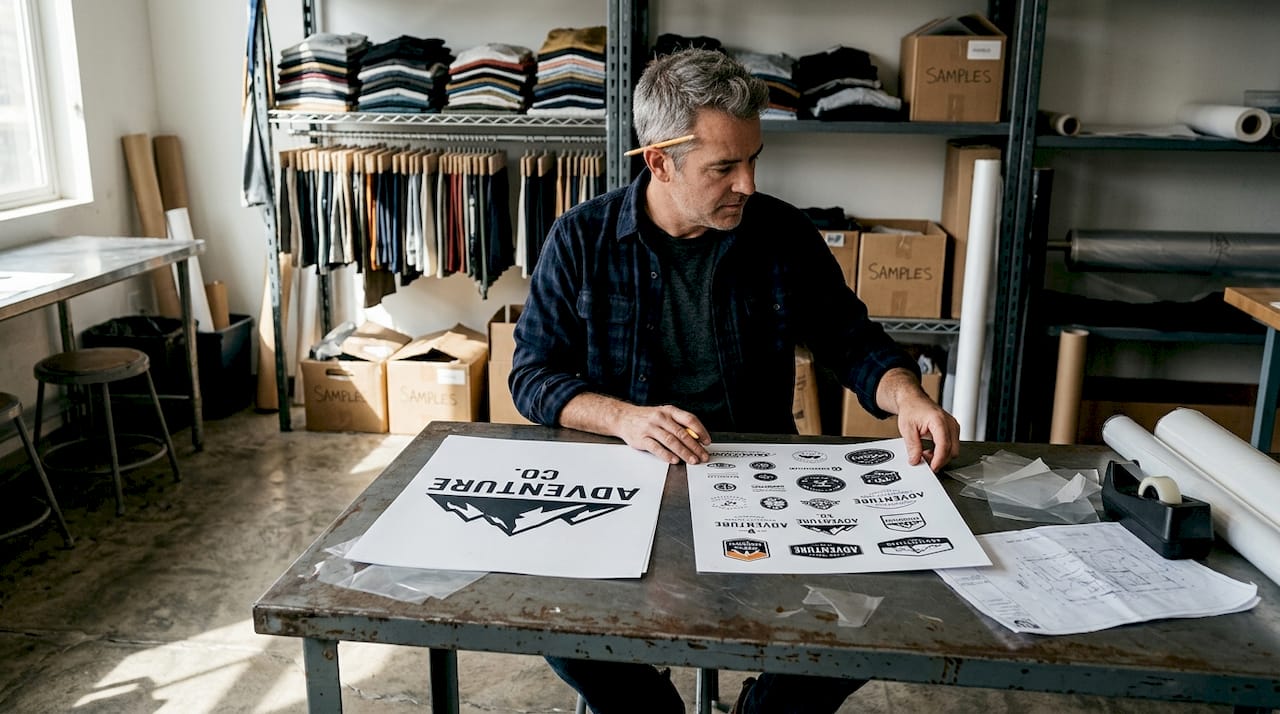
Gang sheets shine when you need multiple designs, multiple sizes, or a mix of both. You can optimize apparel production by combining a left-chest logo, a full-back graphic, and a sleeve print all on one sheet.
| Feature | Gang sheet | Single-image print |
|---|---|---|
| Best for | Varied designs, multi-size orders | High-volume, one-design runs |
| Material waste | Low | Higher per job |
| Setup time | One setup for many designs | One setup per design |
| Cost per piece | Lower for small batches | Lower for large identical runs |
| Color flexibility | High (especially DTF) | Limited in screen printing |
| Customization | Excellent | Limited |
“Using gang sheets reduces material waste per job and supports more sustainable production practices, especially for small apparel businesses running varied custom orders.”
For a deeper look at how printing methods affect your choice, our breakdown of DTF vs screen printing covers the key differences in detail.
Both methods have their place. The key is knowing which scenario you are in before you set up your job.
When and why should you use a gang sheet?
Armed with the pros and cons, let’s see where gang sheets excel and what pitfalls to watch for.
Gang sheets are the right call in these situations:
- Small batch orders where printing each design separately would cost more than the job is worth
- Multiple sizes or styles in one order, such as S through 3XL with different placements
- Artist collaborations where several contributors each have one or two designs
- Seasonal or holiday collections with limited runs across many graphics
- Mixed product lines like hats, shirts, and tote bags needing different transfer sizes
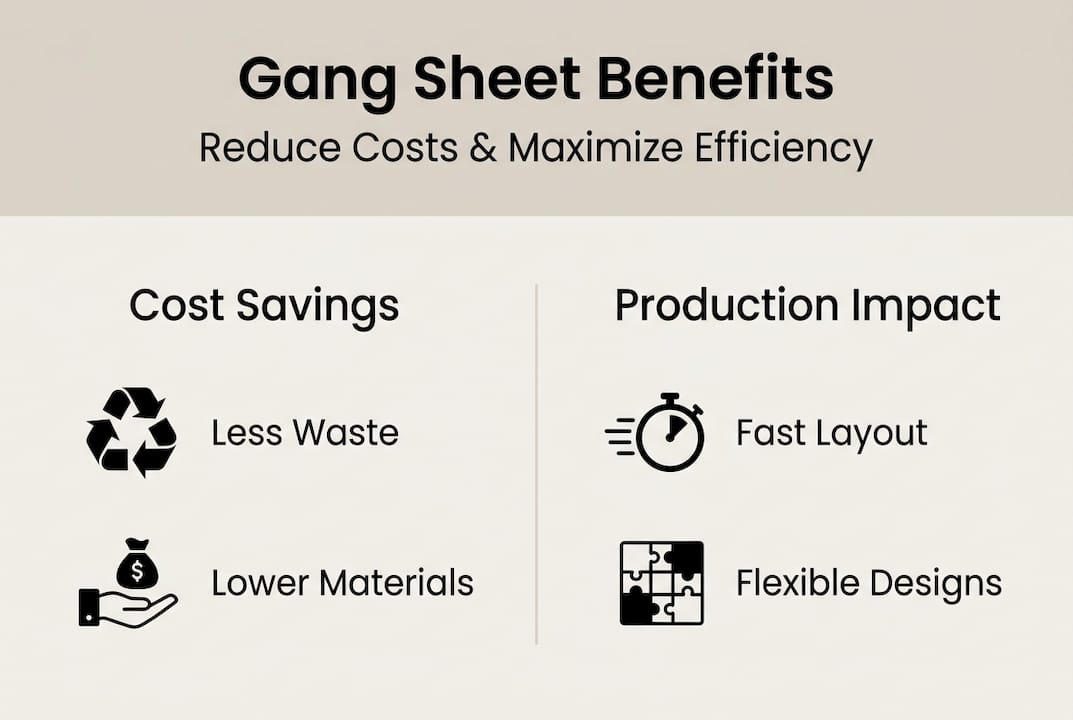
The main benefits stack up fast. You reduce per-piece cost, maximize every square inch of sheet space, and minimize material waste across your production runs. Our cost-saving tips for apparel brands go deeper on how to stretch your printing budget further.
That said, poor layout risks whole-sheet waste if any single design needs a last-minute change. One misplaced graphic can mean reprinting the entire sheet.
A smart hybrid approach works well for most shops. Use gang sheets for variety-heavy jobs and single-image prints for standardized bulk runs. That combination keeps costs low across both types of work.
Pro Tip: Lock down all artwork approvals before building your gang sheet layout. Any change after the sheet is set means starting over, which wipes out your savings.
DTF vs. screen printing: How gang sheets fit each process
To get the most from gang sheets, you need to know how they work with your chosen printing technology.
Screen printing uses stencils and ink layers, which means each color requires a separate screen. Gang sheets in screen printing work well for simpler designs and high-volume runs, but the color count adds cost and setup time. They are a strong choice for multi-color or rush orders where you need flexibility across a batch.
DTF printing transfers full-color designs directly onto film before heat-pressing them onto fabric. It handles complex full-color small runs better than screen printing, with less waste and faster turnaround. For most small apparel businesses, DTF gang sheets are the more practical and cost-effective option.
| Factor | DTF gang sheets | Screen printing gang sheets |
|---|---|---|
| Color range | Unlimited | Limited by screen count |
| Setup cost | Low | Higher per color |
| Best run size | Small to medium | Medium to large |
| Waste level | Very low | Moderate |
| Detail quality | Excellent | Good for simple designs |
| Turnaround | Fast | Slower with more colors |
For more on how DTF transfers work in gang sheet format, check out our guide on custom gang sheet transfers. If you work with hard goods or accessories, custom UV DTF gang sheets open up even more possibilities.
The bottom line: DTF wins for detail and variety, screen printing wins for simple high-volume runs.
Designing and optimizing your gang sheet for maximum savings
Ready to build your first gang sheet? Here’s how to set it up for maximum impact and minimal waste.
- Confirm your artwork before you start. Finalize all designs, sizes, and colorways before touching your layout software. Changes after placement cost time and money.
- Choose the right software. Dedicated tools make layout faster and more accurate. Our DTF gang sheet software comparison and gang sheet builders comparison break down the best options available.
- Arrange by size first. Group larger designs together and fill gaps with smaller graphics. This reduces dead space and makes cutting more efficient.
- Fill every blank area. If you have leftover space, add duplicates of your most popular designs. You get extra prints at no added cost.
- Check cut lines carefully. Every design needs proper spacing and clear cut lines. Overlapping graphics or missing margins will ruin the entire sheet.
- Do a final review before sending. Zoom in on each design, confirm sizing, and verify bleed areas are correct.
Poor layout risks whole-sheet waste, so treat the review step as non-negotiable. A few extra minutes of checking saves you from reprinting an entire sheet.
Pro Tip: Keep a saved template of your most common sheet sizes and design groupings. Reusing a proven layout cuts setup time dramatically on repeat orders.
Start printing smarter with Transfer Kingz
Everything covered in this guide points to one practical conclusion: gang sheets are one of the most effective tools a small apparel business can use to lower costs and increase output. But knowing the theory is only half the battle. You also need a reliable printing partner who can deliver consistent quality on every sheet you send.

At Transfer Kingz, we specialize in high-quality DTF transfers built for exactly this kind of work. Our gang sheet builder lets you upload your artwork, arrange your designs, and place your order without any minimum purchase requirement. We use premium inks and films to make sure every transfer comes out vibrant and durable, whether you are running one sheet or one hundred. Fast turnaround times mean your orders ship quickly so you can keep your production moving. Visit transferkingz.com to build your first gang sheet today.
Frequently asked questions
What exactly is a gang sheet in printing?
A gang sheet combines multiple designs onto one large sheet so you can print them all at once, saving time and reducing cost per graphic.
Why would I use a gang sheet instead of separate prints?
Gang sheets reduce waste and lower your cost per job, especially when you are printing several different designs in small quantities at the same time.
Are gang sheets better for DTF or screen printing?
Gang sheets work with both methods, but DTF suits full-color small runs better, while screen printing gang sheets are more efficient for simpler, high-volume jobs.
What’s the biggest risk when using gang sheets?
Poor layout wastes the whole sheet if any design needs a change after printing, so always finalize and review every element before you send the file.
Can I use online tools to make my gang sheet?
Yes, dedicated gang sheet software helps you optimize your layout, minimize gaps, and reduce errors before you send your artwork file to print.
0 comments