

Master DTF Transfers for Custom Apparel: How to Use, Customize, and Buy — No Minimums
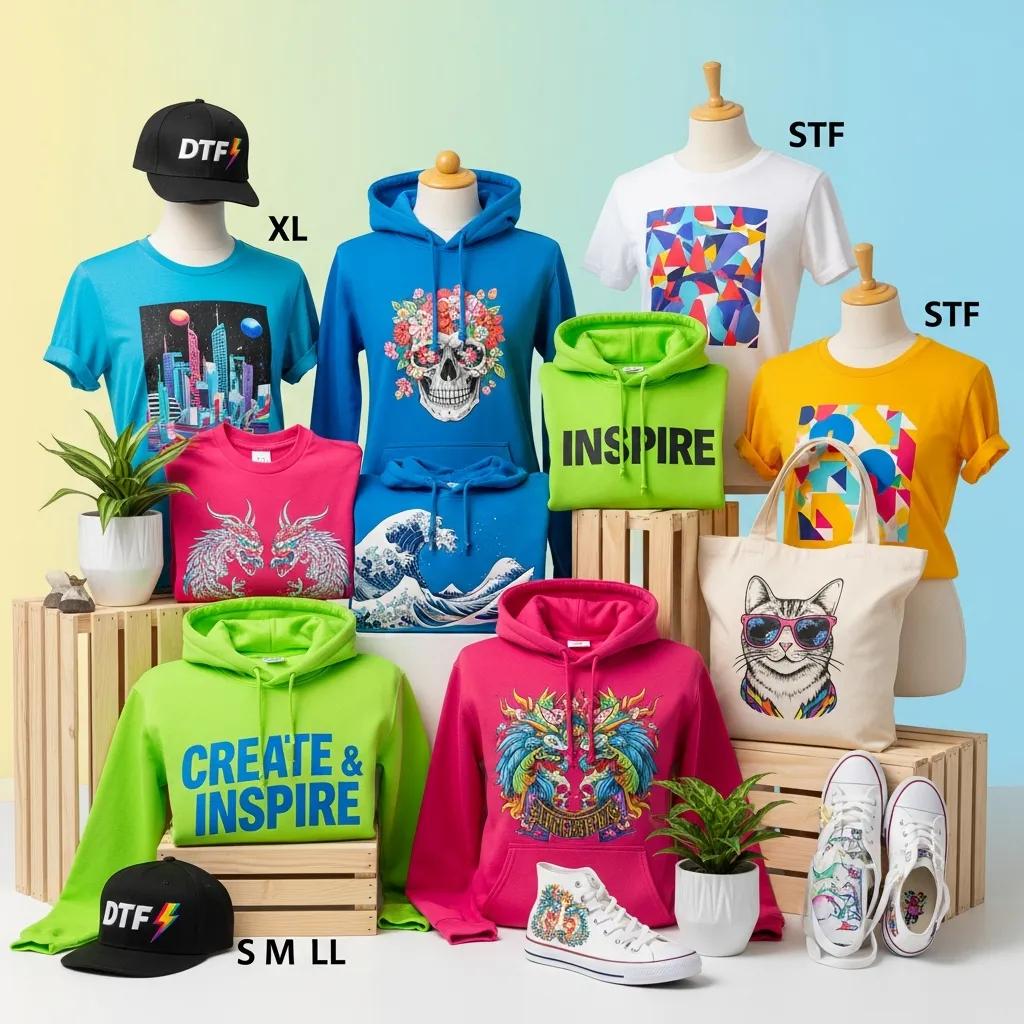
Direct-to-Film (DTF) transfers print full‑color artwork onto PET film, coat the wet ink with adhesive powder, cure that powder, and then heat‑press the finished transfer onto fabric for vivid, long‑wearing prints. This guide shows how DTF delivers reliable, high‑fidelity results on many textiles and select hard surfaces. You’ll get practical steps for artwork prep, pressing, troubleshooting, and buying transfers with no‑minimum orders. We cover pressing settings for common fabrics, smart gang‑sheet strategies to cut cost and waste, and care tips that help prints last 30+ washes. Follow these techniques to get consistent results whether you’re a designer, small shop, or hobbyist — and avoid common issues like edge lift, color loss, or poor adhesion.
Transfer Kingz is a New York City–based DTF specialist offering Custom DTF Transfers, UV DTF 3D PermaStickers, and an online DTF Gang Sheet Builder to speed production. We mention our services so you know where the products and tools live; most of this guide focuses on process, materials, and design best practices. Keep reading for a straightforward workflow, quick reference tables for press settings and fabric compatibility, and aftercare advice so you can make informed choices before ordering or producing transfers. Next up: a clear definition of custom DTF transfers and the core benefits that make them a go‑to for modern apparel work.
What Are Custom DTF Transfers and How Do They Enhance Apparel Printing?
Custom DTF transfers are printed decals made by laying down color and white inks on PET film, dusting on adhesive powder, curing the powder, and heat‑pressing the cured image onto fabric. Because printing happens off‑garment, you can achieve photographic detail, smooth gradients, and dense color without per‑garment setup. The result: vibrant prints, broad substrate compatibility, and an economical workflow for prototypes, one‑offs, and small batches — perfect for designers testing samples or shops running mixed‑fabric lines.
DTF delivers three clear benefits for apparel printing:
- True color depth and preserved detail — gradients and photos reproduce cleanly across many fabric types.
- Low setup and no‑minimum ordering compared with screen printing, which makes one‑offs and small runs practical.
- Strong adhesion and washability — industry tests commonly report transfers that withstand 30+ washes.
Understanding the core DTF sequence helps explain how those benefits happen and when UV DTF variants are a better fit.
What Is Direct-to-Film Printing and Its Key Benefits?
Direct‑to‑Film (DTF) prints CMYK plus a white underlay directly onto transparent PET film, then applies powdered adhesive and cures it into a flexible transfer. The cycle — print, powder, cure, press — separates printing from the garment, which simplifies color management and production across fabric types. Technical strengths include accurate gradations, dependable detail retention, and an effective white underlay that boosts opacity on dark garments. Because transfers can be printed and held on film until needed, shops can preprint stock, lower per‑piece setup costs, and support rapid prototyping and flexible fulfillment.
That workflow also supports quick‑turn business models and variable‑data jobs, letting small brands test designs without large upfront inventory. These advantages set the stage for comparing textile DTF with UV DTF for hard surfaces.
How Do UV DTF Transfers Differ and What Are Their Applications?
UV DTF uses UV‑curable inks and typically builds a thicker, sticker‑like layer that’s UV‑cured for hard‑surface adhesion rather than heat‑pressed for textiles. The chemistry, curing method, and surface prep differ from textile DTF, producing a raised, glossy PermaSticker finish that resists abrasion and weathering. UV DTF is ideal for drinkware, phone cases, metal or plastic signage, and promotional items that need a tactile, scratch‑resistant result. Knowing the difference helps you decide which jobs belong on a heat press and which need a UV‑curing line.
How to Use DTF Transfers: Step‑by‑Step Application and Best Practices
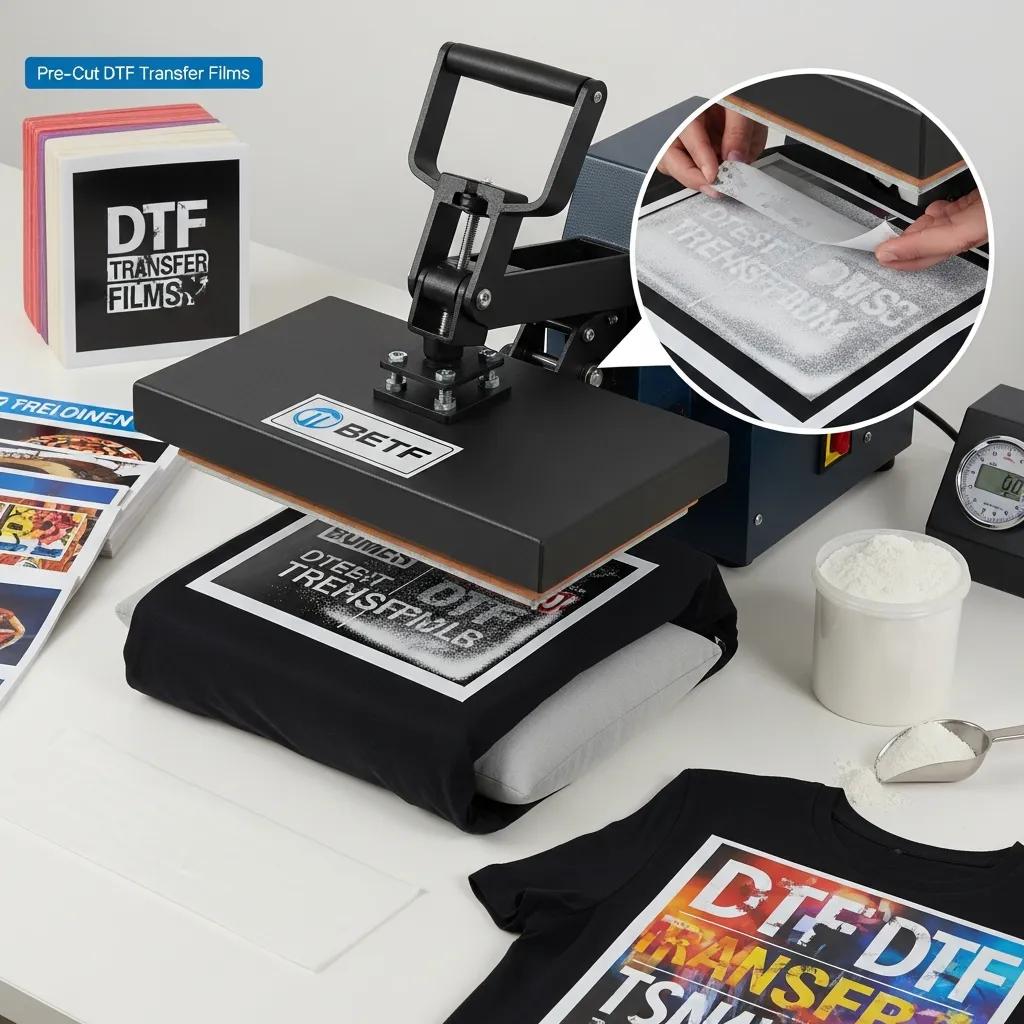
DTF application follows a reliable sequence: prepare artwork at the correct resolution and color profile, print onto PET film with the white underlay, apply adhesive powder evenly, cure the powder, then heat‑press to the garment at the right temperature, time, and pressure. Use transparent‑background PNGs at 300 DPI and consistent color settings to reduce surprises. Clean surfaces, pre‑press garments to remove moisture and wrinkles, and follow the recommended hot or cold peel — these controls decide adhesion quality and the finished hand. Sticking to a structured workflow cuts rework and raises the odds your transfers survive repeated washing.
Use this numbered workflow for quick execution and featured snippets:
- Prepare artwork as a 300 DPI PNG with a transparent background and flattened layers to avoid unexpected transparency artifacts.
- Print the design onto PET film with CMYK + white underlay, using DTF‑formulated inks for best vibrancy.
- Apply adhesive powder evenly to the wet print and remove excess to prevent hard spots.
- Cure the adhesive powder at the manufacturer’s recommended settings until it forms a dry, tacky layer on the film.
- Pre‑press the garment briefly to remove moisture and wrinkles that can block adhesion.
- Heat‑press the transfer to the fabric using the recommended temperature, time, and pressure for that fabric.
- Peel hot or cold per material guidance, and repress if needed for final bonding.
- When possible, wait 24 hours before laundering to let the adhesive stabilize and improve durability.
Following these steps prevents common failures like edge lift or incomplete adhesion. The next section gives practical press settings for common fabrics.
What Are the Essential Heat Press Settings for Optimal DTF Transfer Application?
Heat‑press settings depend on fabric: temperature, time, pressure, and peel type are the core variables that control bond strength and hand feel. Calibrate your press and use an infrared thermometer or test strips — temperature variance is the most frequent source of adhesion problems. Lower temps with longer dwell can protect delicate blends; dense cotton tolerates higher temps and shorter times. For reliable, repeatable results we recommend a platen heat press rather than a household iron, which produces uneven heat and pressure.
Practical default settings for common materials are shown below.
| Fabric | Temp (°F / °C) | Time (seconds) | Pressure | Peel Type |
|---|---|---|---|---|
| 100% Cotton | 320°F / 160°C | 12–15 | Medium-High | Hot |
| 50/50 Cotton-Poly Blend | 310°F / 154°C | 12–15 | Medium | Hot or Warm |
| Polyester | 300°F / 149°C | 12–15 | Medium | Cold (test first) |
| Nylon / Spandex (stretch) | 300°F / 149°C | 10–12 | Low-Medium | Cold |
| Denim / Canvas | 330°F / 166°C | 12–18 | High | Hot then Cold after short cool |
How to Troubleshoot Common DTF Transfer Issues for Durable Results?
Typical problems include peeling edges, partial adhesion, white‑ink settling, and color mismatch — and each symptom points to a likely cause: wrong temperature, uneven adhesive powder, insufficient pressure, or incorrect artwork layering. Start troubleshooting with a close inspection of transfer edges, look for powder clumps or uncured adhesive, and verify press calibration. Common fixes: repress at slightly higher pressure or longer time, increase white underlay density in your RIP for dark garments, and make sure adhesive powder is even and fully cured before pressing. For color shifts, check color profiles and run color patches; for stubborn adhesion failures, test substrate compatibility and try a targeted repress sequence.
If these steps don’t help, consult a professional printer or consider reprinting with adjusted files or materials to avoid repeat problems. We also offer ready‑to‑press transfers and production support at Transfer Kingz — a practical option while you dial in in‑house technique.
How Does the DTF Gang Sheet Builder Optimize Custom Apparel Printing?
A gang sheet packs multiple designs or copies onto one PET film to maximize film use, lower per‑piece cost, and cut material waste during printing and curing. That workflow shines for small batches where separate prints would mean many small runs; online gang‑sheet tools use auto‑nesting to fill negative space and reduce wasted film. Tight gang layouts lower setup time and cost per piece while keeping quality high. Preparing artwork for gang sheets means consistent DPI, transparent PNGs, and clear filenames so designs nest cleanly without overlap.
The table below helps small businesses weigh single‑print versus gang‑sheet workflows.
| Workflow Stage | Attribute | Value to Small Orders |
|---|---|---|
| Cost per piece | Single-print | Higher for one‑offs; simple prep |
| Cost per piece | Gang sheet | Lower thanks to shared film and cure cycles |
| Material waste | Single-print | Greater waste when designs are small or irregular |
| Material waste | Gang sheet | Reduced by auto‑nesting and tight layouts |
| Turnaround | Single-print | Faster for isolated urgent items |
| Turnaround | Gang sheet | More efficient for grouped production runs |
| Artwork prep complexity | Single-print | Low per file |
| Artwork prep complexity | Gang sheet | Higher initial layout work but better yield |
What Are the Advantages of Using an Online Gang Sheet Creator?
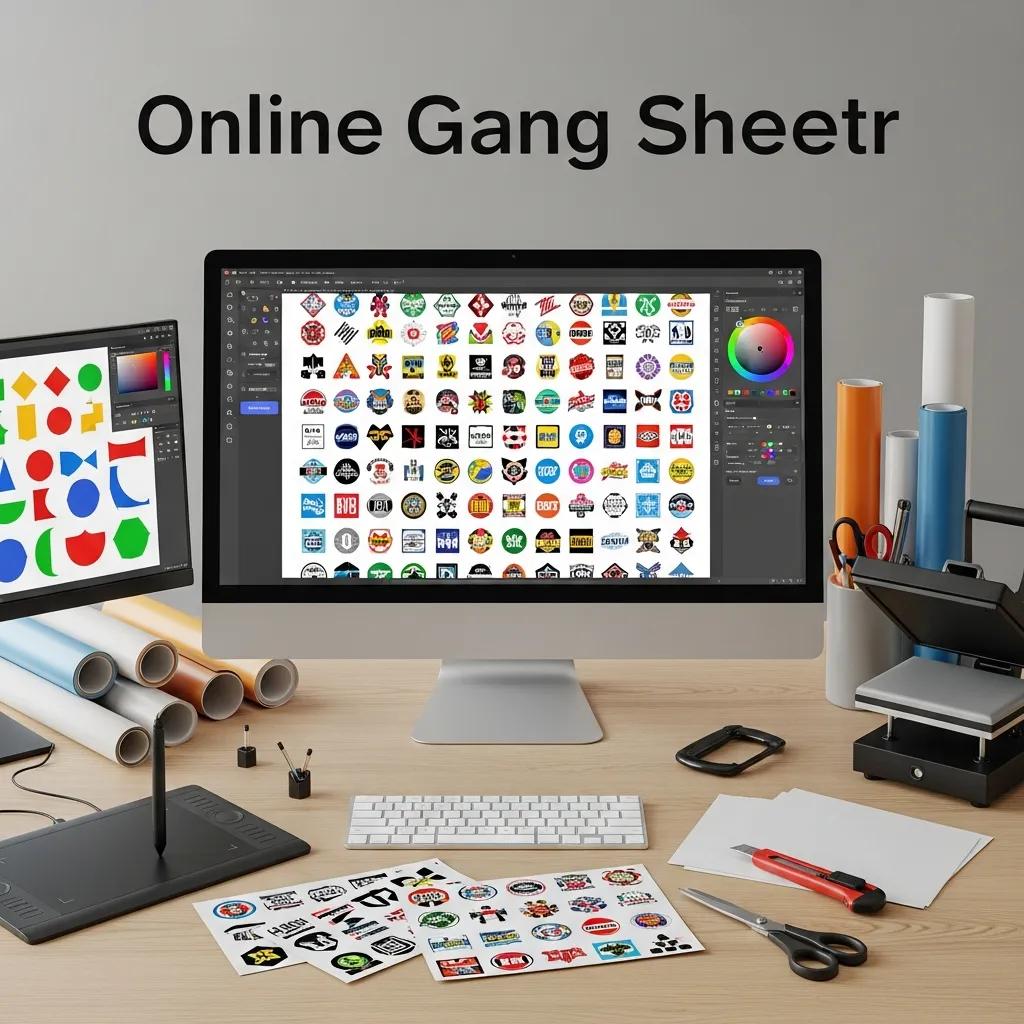
An online gang sheet creator automates nesting, trims film waste, and speeds production by outputting print‑ready layouts for DTF RIP workflows. Automation reduces layout errors, shortens turnaround, and lowers cost‑per‑piece for mixed or small designs. For small brands and hobbyists, gang sheets make prototyping and batch runs affordable. Good tools also validate uploads—catching low resolution, missing transparency, or other common file issues before you print.
How to Prepare Artwork and File Formats for Gang Sheet Printing?
Prepare artwork as 300 DPI PNGs with transparent backgrounds, flattened color‑accurate layers, and consistent sizing with clear filenames to avoid placement mistakes. Convert text to outlines, include vector originals for very large pieces, and add the recommended bleed or safe area to prevent trimming issues. When sending multiple designs, package files with descriptive names and include a manifest that maps design position and quantity to the gang layout to simplify production. Run a preflight check to confirm opacity, remove hidden layers, and verify white‑underlay placement for dark garments.
Following these steps reduces back‑and‑forth with production and lets the gang‑sheet tool optimize layout automatically.
Where and How to Buy Custom DTF Transfers Online with No Minimum Order Requirements?
Ordering custom DTF transfers online typically means choosing a transfer type, uploading artwork according to the provider’s file guidelines, selecting quantities, and picking shipping or pickup options. No‑minimum policies let you order single pieces for prototyping or events. Most flows let you preview a gang sheet layout, choose press guidance (if offered), and select shipping speed or local pickup. No‑minimum ordering helps creators test designs, small shops fulfill bespoke orders, and anyone who needs one‑offs without inventory risk. Shipping options usually include ground and expedited services; local pickup shortens lead time where available.
Transfer Kingz is a New York City–based company specializing in Direct‑to‑Film (DTF) printing, UV DTF 3D PermaStickers, and an online DTF Gang Sheet Builder. We prioritize quality with premium materials and skilled production, follow G7 Color Standards for consistent color management, and report durability testing showing resistance through 30+ washes. We offer no minimums, same‑day printing for orders placed before 12 PM EST, UPS Next Day Air options, a broad, vibrant ink palette formulated for DTF, simple press‑and‑peel application, transparent pricing with no hidden setup fees, and local pickup for New Rochelle/NYC customers. Those features make ordering small runs, prototypes, and urgent jobs straightforward.
What Makes Transfer Kingz’s DTF Transfers Stand Out in Quality and Service?
Our differentiators include G7 Color Standards certification for predictable color, durability testing beyond 30 washes, and fast production options like same‑day printing for orders in before 12 PM EST plus UPS Next Day Air. We use DTF‑specific inks for bright, accurate color, design transfers for easy press‑and‑peel application, and keep pricing transparent with no surprise setup fees. Local pickup in New Rochelle/NYC is available for urgent projects. These practical features help buyers balance convenience, quality, and speed.
How Does No Minimum Ordering Benefit Small Businesses and Hobbyists?
No‑minimum ordering removes the financial barrier of large print runs so creators can test ideas cheaply, make single‑event shirts, or offer personalized items without inventory risk. Small businesses can prototype quickly and run limited drops that respond to demand without tying up capital. Hobbyists and designers can produce samples for portfolios, client approvals, or one‑off gifts affordably, speeding iteration and time‑to‑market. Typical use cases include fit and color testing, on‑demand fulfillment for custom orders, and micro‑merch runs to validate interest before scaling.
Those operational benefits explain why modern small brands often choose providers that support low quantities and fast turnaround.
What Fabrics and Applications Are Best Suited for DTF Transfers?
DTF works with a wide range of fabrics — 100% cotton, cotton‑poly blends, polyester, nylon, spandex blends, denim, canvas, and twill — but each material needs specific press settings and handling for best durability and hand feel. Stretch and performance fabrics tolerate lower temperatures and shorter dwell to protect elasticity and avoid cracking. Hard‑surface branding uses UV DTF 3D PermaStickers rather than textile transfers; those require different surface prep and adhesion methods. Understanding how each fabric reacts to heat and adhesive chemistry helps you pick the right approach for sportswear, fashion, and merch.
Reference the table below for compatibility, press temps, peel type, and expected durability.
| Fabric Type | Compatibility | Recommended Press Temp | Recommended Peel | Durability Outcome |
|---|---|---|---|---|
| 100% Cotton | Excellent | 320°F / 160°C | Hot | High; excellent wash resistance |
| Polyester | Good (test first) | 300°F / 149°C | Cold (safer) | Good if lower temp used to prevent puckering |
| 50/50 Blend | Excellent | 310°F / 154°C | Hot/Warm | Very good balance of adhesion and hand |
| Spandex/Nylon | Moderate; use low heat | 300°F / 149°C | Cold | Good if low‑temp, short time used to protect stretch |
| Denim/Canvas | Excellent | 330°F / 166°C | Hot then Cold | High durability; rough textures may need higher pressure |
Which Fabrics Are Compatible with DTF Transfers for Long‑Lasting Apparel?
Cotton and cotton blends are the most forgiving for DTF, giving strong adhesion and longevity when pressed at recommended settings. High‑stretch garments need careful temperature control and often benefit from a cold peel. Polyester takes DTF well if you lower temperature and use an ink/adhesive chemistry tuned for synthetics; otherwise puckering or adhesion loss can occur. Denim, canvas, and twill respond well to higher pressure and slightly longer dwell times, though surface texture affects hand and definition. Always test on swatches and confirm the transfer’s flexibility suits the garment’s use to avoid cracking in high‑bend areas.
Next, we’ll explain how UV DTF PermaStickers are applied to hard surfaces for branded items.
How Are UV DTF 3D PermaStickers Used for Hard Surface Branding?
UV DTF 3D PermaStickers require careful surface prep — cleaning, degreasing, and sometimes light abrasion — then are adhered and UV‑cured to create a durable, embossed finish ideal for promotional and outdoor items. Use cases include drinkware, phone cases, plastic or metal signage, and product labels where a glossy, scratch‑resistant visual is needed. Adhesion improves with temperature‑controlled post‑cure or adhesives matched to the substrate; outdoor longevity depends on UV‑stable inks and protective topcoats. When applied correctly, UV DTF delivers vivid, dimensional printing that stands up to abrasion and weathering.
With substrates covered, here are best practices for care and maintenance.
How to Care for and Maintain Custom Apparel with DTF Transfers?
Good care extends transfer life and keeps colors bright: wash garments inside‑out on a gentle cycle with cold or warm water, avoid bleach and harsh detergents, use mild soap, and air‑dry or tumble on low heat to reduce stress on adhesive and ink layers. Avoid ironing directly over a transfer; if ironing is necessary, use a press cloth and low heat. Store and handle garments folded inside‑out and avoid abrasive contact to minimize early wear. These habits help transfers meet durability expectations and retain color across many wash cycles.
Use the short care checklist below for supplier labels and customer instructions.
- Turn Garment Inside‑Out: Reduces friction on the printed surface during washing.
- Use Cold or Warm Water: Hot water can weaken adhesive bonds and speed fading.
- Select Gentle Cycle and Mild Detergent: Avoid bleach and strong stain removers.
- Air‑Dry or Low‑Heat Tumble: High heat can degrade adhesive and cause cracking.
- Iron Carefully: Use a cover cloth over transfers and low heat if ironing is needed.
What Are the Recommended Washing and Handling Instructions for DTF Apparel?
Recommended care follows a gentle approach: inside‑out washing, cold or warm water, mild detergent, no bleach, and air‑drying or low‑heat tumble. For activewear, limit tumble‑drying and avoid fabric softeners, which can affect adhesive performance. Don’t iron directly over transfers; use a press cloth or iron the reverse side on low heat. For long‑term storage, keep garments clean, dry, and folded inside‑out to prevent surface abrasion.
These steps support the 30+ wash durability many tests report when transfers are applied and cared for correctly.
How Durable Are DTF Transfers Compared to Other Printing Methods?
DTF typically matches or exceeds the durability of screen printing and often outperforms heat transfer vinyl (HTV) in photographic detail and hand feel, while offering comparable wash resistance in many cases. Direct‑to‑garment (DTG) can be excellent on cotton but may underperform on synthetics versus DTF. Screen printing still wins on very large runs for cost per piece but involves higher setup. HTV is durable for simple vector or layered effects but lacks the thin hand and full‑color fidelity of DTF. Choose the method based on durability needs, run size, color complexity, and fabric type.
- DTF vs Screen Printing: DTF gives photographic detail and low setup for small runs; screen printing is cheaper at scale.
- DTF vs HTV: DTF offers a thinner hand and full‑color imagery; HTV is strong for simple vector art and layered vinyl effects.
- DTF vs DTG: DTF is more fabric‑agnostic and better on synthetics; DTG excels on cotton with direct ink penetration.
These comparisons show why DTF is a flexible choice for contemporary custom apparel while also highlighting where traditional methods still make sense.
Frequently Asked Questions
1. What types of designs work best for DTF transfers?
DTF shines with vibrant, detailed artwork — gradients, photos, and complex graphics reproduce particularly well. Solid‑color vector art also works fine. Prepare files at 300 DPI with transparent backgrounds and test on fabric swatches when unsure; that quick test tells you how a design will translate to the final garment.
2. Can DTF transfers be used on dark fabrics?
Yes. A white underlay makes DTF effective on dark garments, preserving opacity and vibrancy. Ensure the white layer is applied and cured correctly, and test a small area first to confirm adhesion and color accuracy.
3. How do I ensure the longevity of DTF transfers on apparel?
Follow proper care: wash inside‑out on a gentle cycle with cold or warm water, avoid bleach, use mild detergent, and air‑dry or tumble on low heat. Avoid ironing directly over the print; use a press cloth and low heat if ironing is needed. These steps help maintain vibrancy and adhesion over many washes.
4. What are the common mistakes to avoid when applying DTF transfers?
Common errors include wrong temperature settings, insufficient pressure on the press, skipping the pre‑press step, and uneven adhesive powder application. Also check artwork resolution and color profiles. Testing on swatches before a full run is the fastest way to catch issues early.
5. Are there any specific fabrics to avoid when using DTF transfers?
DTF is broadly compatible, but fabrics with very high moisture content or heavy texture can cause adhesion problems. Highly stretchy materials require lower heat to prevent cracking. Avoid materials that can’t tolerate heat or that react poorly to adhesive chemistry, and always test on samples first.
6. How does the DTF process compare to other printing methods for custom apparel?
DTF offers high‑resolution, full‑color prints with durable results and low setup costs, making it ideal for small runs and complex images. Unlike screen printing, it has minimal setup and no minimums; compared with HTV, DTF delivers better photographic fidelity and a thinner hand. The best method depends on the project’s fabric, run size, and image complexity.
7. What should I consider when choosing a DTF transfer provider?
Look for consistent quality, clear turnaround times, and transparent pricing. Certification like G7 for color management and durability testing results are good signs. Check for no‑minimum ordering, same‑day print options, local pickup, and user reviews or sample work. A straightforward ordering process reduces headaches and speeds production.
Conclusion
DTF transfers give creators a flexible, high‑quality way to produce vibrant custom apparel without large setup costs or minimums. By following the practical steps and best practices in this guide — from artwork prep to pressing and care — you can achieve professional, long‑lasting results. Ready to get started? Explore our DTF transfer options and resources to prototype, produce, and ship with confidence.
0 comments